Polymarket CLI: For Humans and Agents
Andrej Karpathy posted yesterday that CLIs are underrated precisely because they're old. Every AI agent already knows how to use them. He showed Claude spinning up a Polymarket terminal dashboard in three minutes and asked: can agents use your product?
CLIs are super exciting precisely because they are a "legacy" technology, which means AI agents can natively and easily use them, combine them, interact with them via the entire terminal toolkit.
— Andrej Karpathy (@karpathy) February 24, 2026
E.g ask your Claude/Codex agent to install this new Polymarket CLI and ask for any… https://t.co/q2N7jYv16e pic.twitter.com/gzrpg0erGz
I thought it would be fun to find out. I wanted to build a CLI that looks good and serves both human and agents. I picked Go and Charm. Here's a short demo.
Polymarket has an API. It's actually four separate APIs with two different auth schemes and order signing. Not something you want an agent stumbling through. So I spent time writing a single Go binary that wraps all of it.
The interesting thing that came out of it was the TUI.
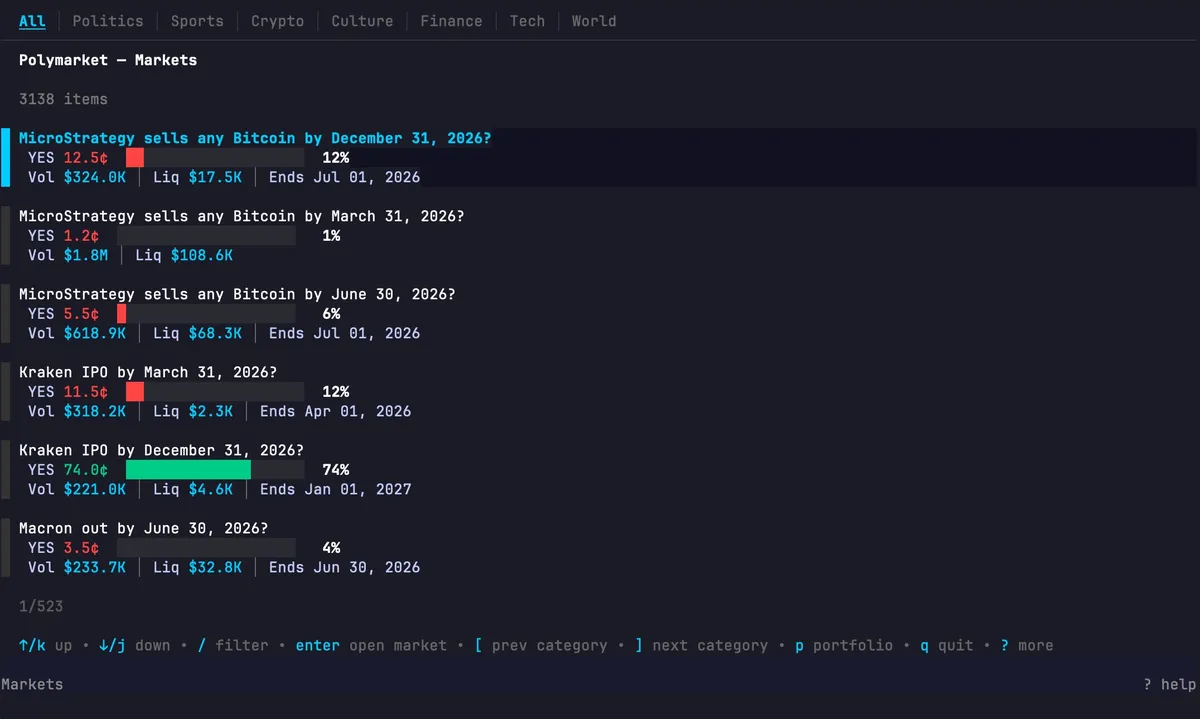
Run polymarket tui and you get something that looks pretty. Markets are organized by category: politics, crypto, sports, finance. Each card shows the current probability as a bar, volume, and how the price has moved.
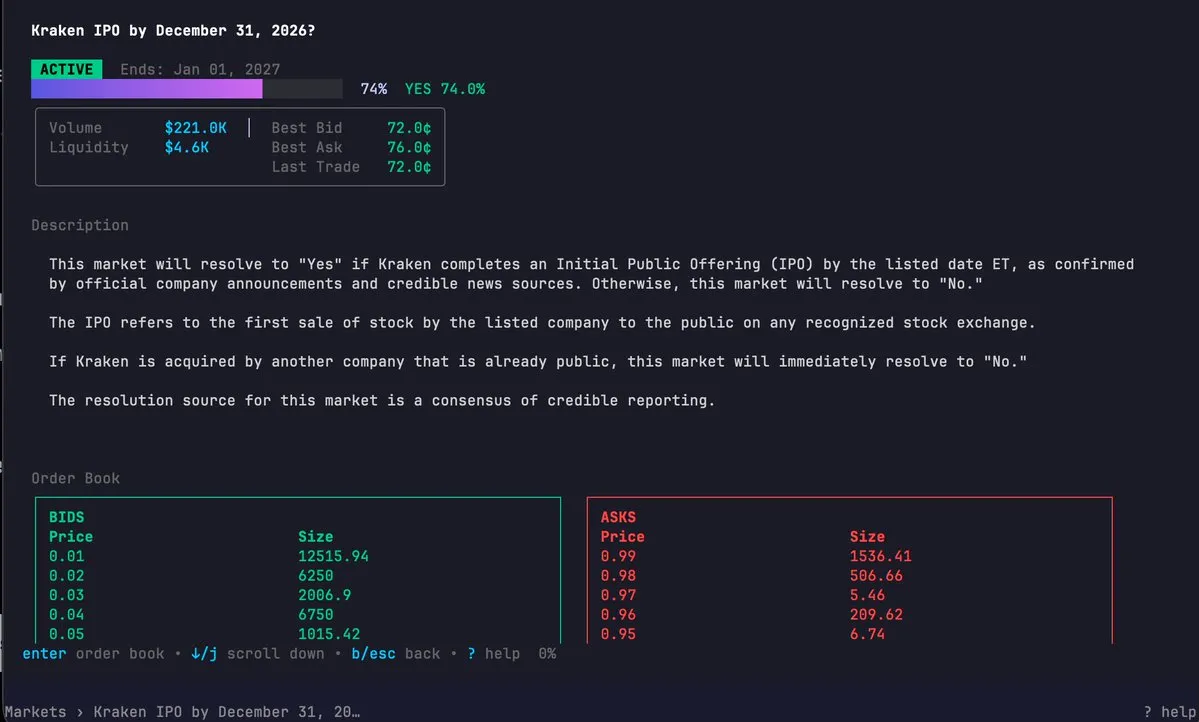
Navigate into a market and you see the probability animated as it updates, a scrollable description, and a live order book. When prices change, rows flash. The order book refreshes every three seconds.
There's a portfolio view with tabs for positions, open orders, and trade history. Cancel an order and it shows you the market name and price before confirming, not just an order ID.
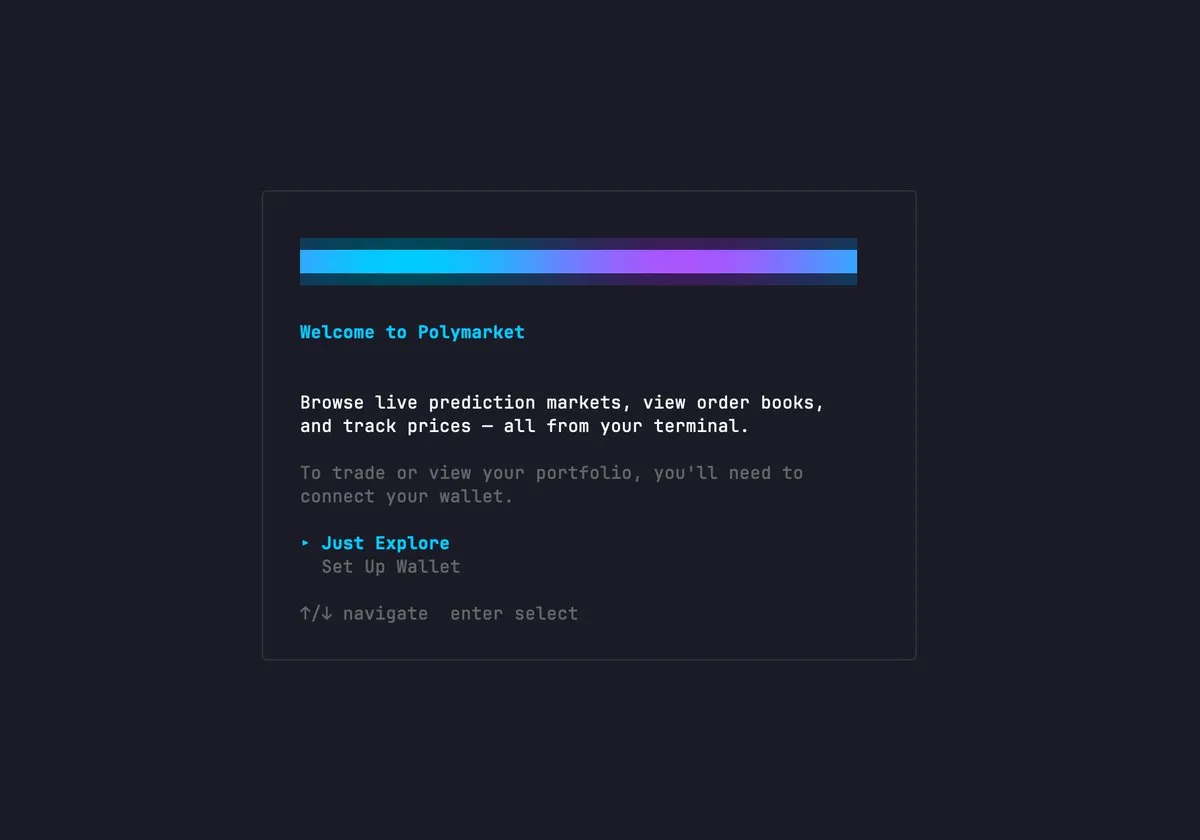
I went through four iterations on the opening animation. Tried Unicode braille charts, half-block characters, sine waves. Each one looked like pixel noise in the actual terminal. Ended up with a simple gradient sweep in cyan and purple.
There's also an interactive shell inside the TUI where you type commands and scroll through the output. Same CLI, just without leaving the interface.
The agent angle is why any of this matters.
You can tell Claude: find all crypto markets where YES is below 40 cents and 24hr volume is over 50k, then pull the order book on the top three. Claude figures out the commands, runs them, pipes the output, formats the result however you want. You don't write any code.
This works because the CLI is built to be legible to machines. Every command has a JSON output mode. Errors come back with codes so an agent can handle them without parsing text. There's a commands list command that tells an agent exactly what's available, what each flag does, and which ones are required.
The agent doesn't need to read docs.
You can check out the repo here.